Nano Banana Watermark Remover: Check the File Before Cleaning
Use a Nano Banana watermark remover on a still image with a supported visible Gemini sparkle, then inspect the downloaded file. Our seven controlled file-picker tests found that a renamed PNG still opened, an animated GIF lost its animation in the processed download, and a malformed PNG produced no preview. Opening successfully did not certify complete star removal.
First check whether you need a remover
For newly generated media in Gemini Apps, Google documents Settings → Media Watermark, where the visible mark can be turned on or off. The help page limits availability in India, South Korea and Vietnam to AI Ultra subscribers. It says the setting does not affect SynthID or Content Credentials, and does not apply to AI features in other Google products. This is a document check, not a successful test of our own Gemini account.
Google: Manage watermark settings in Gemini Apps, checked 22 October 2026. An already downloaded marked file is a different task from changing future generation settings.
Seven inputs, two different download paths
On 22 October 2026 we selected seven files through the live WatermarkUndo homepage picker in the desktop in-app browser. Every decodable fixture measured 640 × 480 pixels. The marked cases used the same synthetic scene and matched alpha-map overlay; controls were Auto, zero offsets and strength 1.00. The variables here are file admission, saved format and frame retention, rather than JPEG quality, resizing or PNG transparency.
| Selected file | Observed result | Saved format / frames |
|---|---|---|
| Marked PNG | Preview and download | PNG / 1 |
| PNG bytes named .jpg | Preview and download | PNG / 1 |
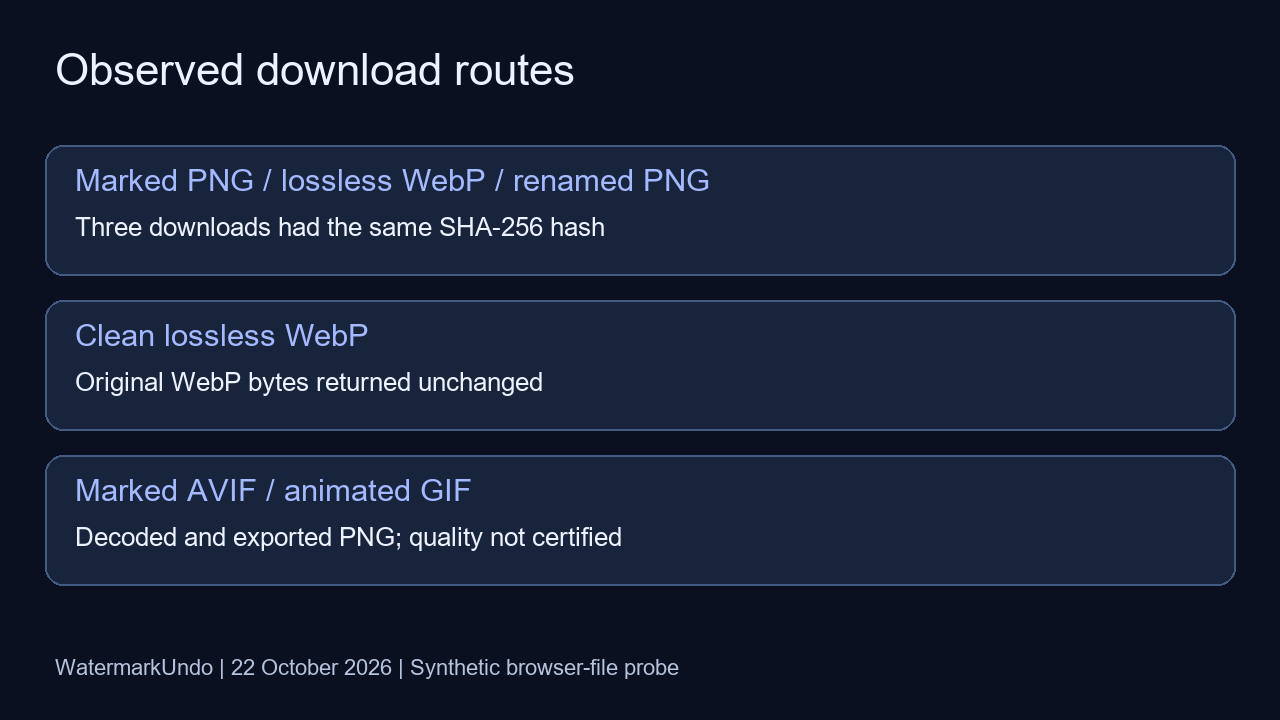
| Marked lossless WebP | Preview and download | PNG / 1 |
| Clean lossless WebP | Preview and original download | WebP / 1 |
| Marked AVIF | Preview and download | PNG / 1 |
| Two-frame GIF | Preview and download | PNG / 1 |
| Malformed .png | No preview or output | None |
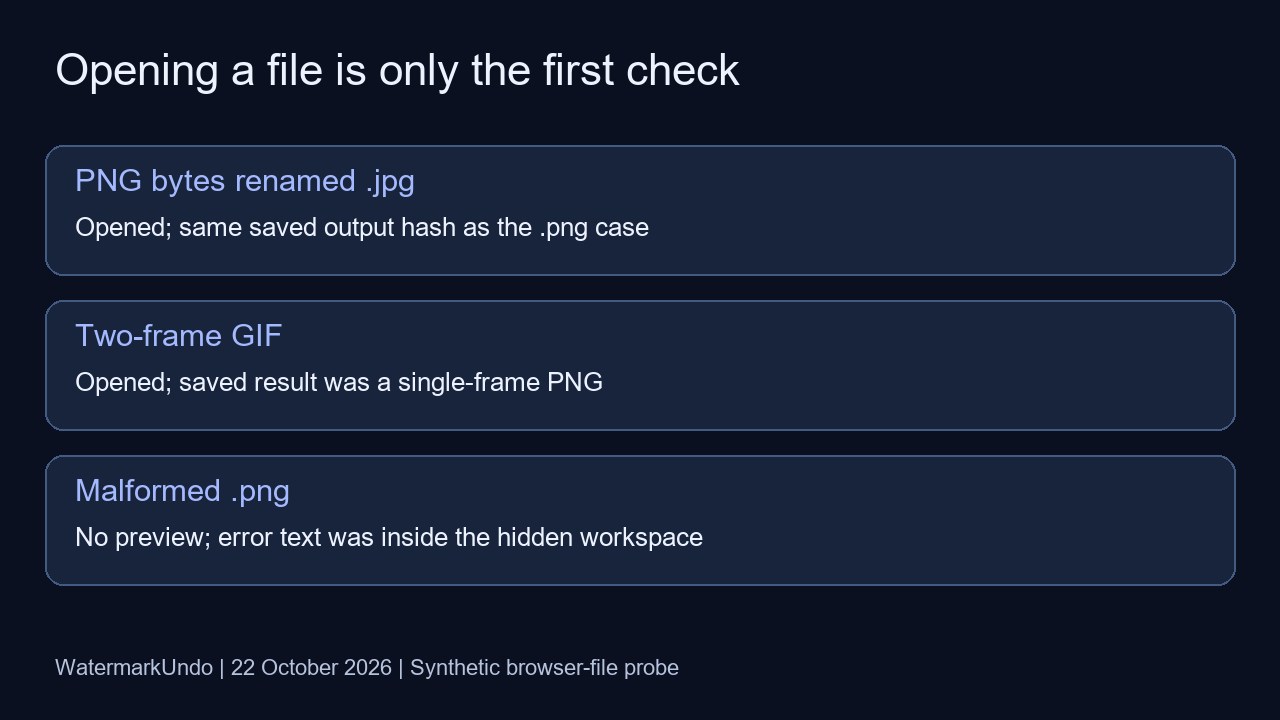
A filename did not determine the decoded format
We copied the marked PNG byte-for-byte and gave the copy a .jpg extension. Both inputs opened. The renamed file, the correctly named PNG and the lossless WebP all produced saved PNGs with the identical SHA-256 value 8990bc3f08a4d1b8e7577e0cd3c12c52f3f89a33c69026cb64d0f0b2cd8df000. This is one reproducible counterexample to treating an extension as proof of the actual input encoding. It does not establish compatibility with every mislabeled file.
The clean WebP followed a different route: its downloaded bytes matched its input exactly, with SHA-256 b3a5af6bc6e92d0498c11b1d267dcc10fa7ed30717cc59fda68afd37379b01a0. It remained WebP despite the button saying “Download cleaned PNG.” In this case the no-detection bypass preserved the original file; the button wording alone did not identify the download format.
GIF decoding did not preserve the animation
Our GIF contained two distinct frames with a 500-millisecond duration per frame. The public picker accepted it and exposed the download button. The saved result decoded as PNG with one frame. Whatever the preview appeared to show, that output was not an animation-preserving result. Keep the original animated asset; this image workflow should not be used as proof that every frame has been cleaned.
Malformed bytes exposed a silent failure path
The invalid.png fixture contained 67 bytes of deliberately non-image text. Selecting it returned to the uploader without displaying a preview or a download. The page’s status element held “Could not read that image.”, but that element was inside the hidden workspace and was absent from the visible accessibility tree. We recorded both the hidden message and the visible screen. This is a recorded interface limitation, not a successful cleanup or a claim that the user received a visible error.
Loaded and exported does not mean fully restored
The marked AVIF was decodable and yielded a PNG. We did not turn that observation into a quality pass. Against the known synthetic clean scene, the PNG, renamed-PNG and lossless-WebP outputs each had a maximum RGB-channel difference of 128; the AVIF output also reached 128, while the GIF output reached 126. Those whole-image differences combine encoding and cleanup effects, so they do not isolate the watermark’s cause. They do show why export success alone cannot promise perfect original-pixel recovery.
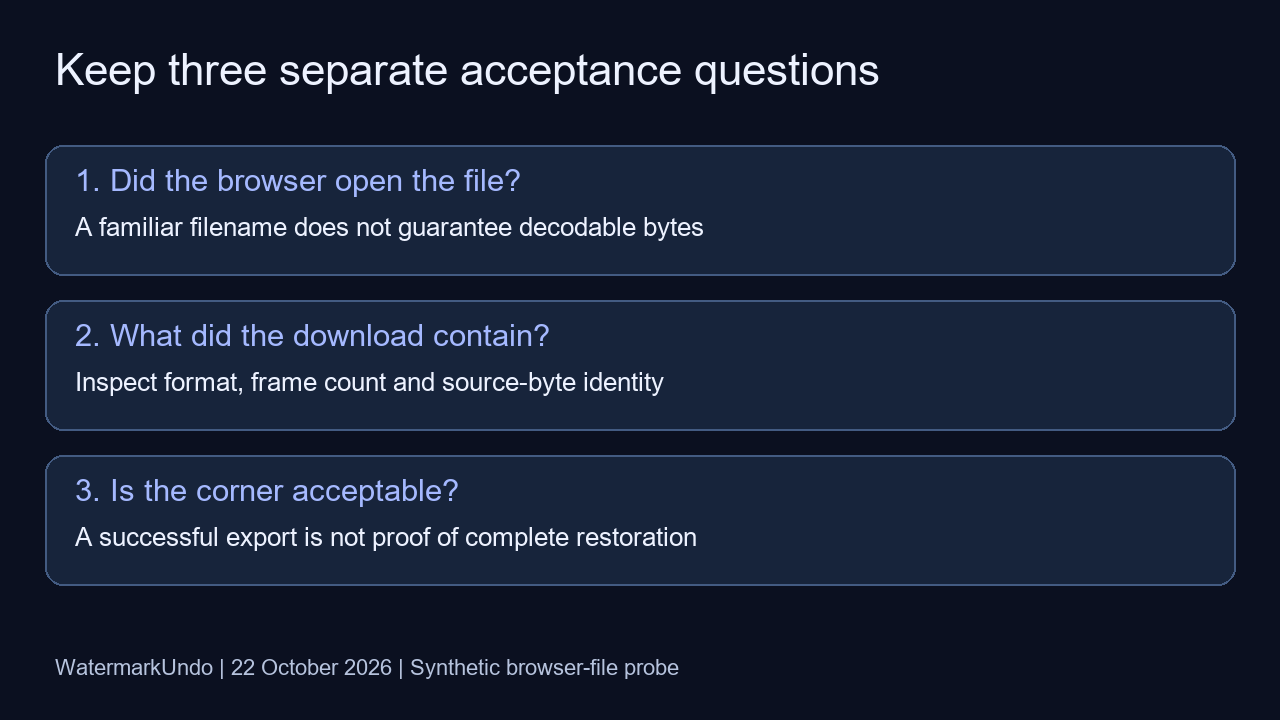
For your own still image, keep the original, open a copy, inspect the corner and confirm that the downloaded file has the format and frame structure you need. WatermarkUndo targets the supported visible sparkle only. A usable saved file is not evidence that invisible SynthID was removed.
Scope and reproducible records
These are seven synthetic input cases, not native Gemini or Nano Banana downloads, not a real-image success rate and not a universal format guarantee. This run did not test SynthID removal, metadata retention or phone processing. The browser was the desktop in-app browser, not a connected native Chrome session. Residual artifacts remain possible; no algorithm or detection threshold was changed for this article.
Raw checks: CSV · saved-file results · fixtures, browser observations and preparation code. SHA-256 compares complete file bytes; frame counts and format labels come from decoding the actual downloads with Pillow. The maximum RGB difference is max(|output − synthetic clean reference|) across all pixels and RGB channels, on the 0–255 scale.
For shared measurement definitions and encoding caveats, read the shared methods. Other variables have their own experiments: JPEG compression, resampling and PNG transparency. For position and strength controls, use the homepage guide.